
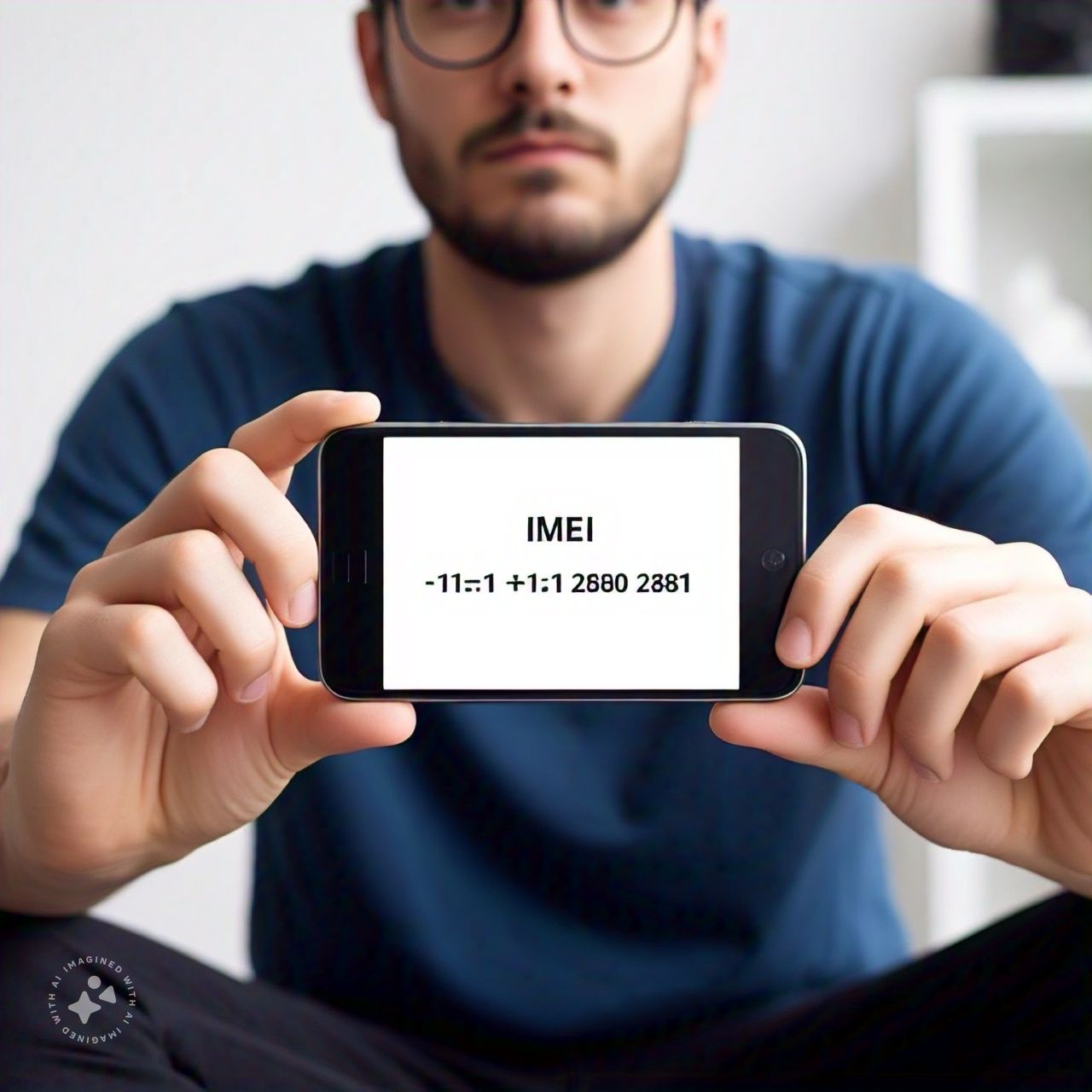
What is an IMEI number?
This number is a 15-digit identification number unique to your device. The IMEI number is different from a serial number and is used to identify and track devices for a number of purposes. Devices that come equipped with IMEI numbers include smartphones, tablets, and other mobile devices. These codes are used by carriers to identify a device on a mobile network, and they are often used by both carriers and law enforcement to block stolen or lost devices from accessing a network.

How To Check IMEI Number
Method 1: Dial *#06
- Open your phone’s dialer app.
- Dial *#06#.
- Press the call button.
- Your phone’s IMEI number will be displayed on the screen.
Method 2: Check Phone Settings
- Go to your phone’s Settings app.
- Scroll down and select “About phone” or “About device”.
- Look for the “IMEI” or “IMEI number” option.
- Your phone’s IMEI number will be displayed.
Method 3: Check Phone Packaging
- Check the original packaging of your phone.
- The IMEI number is usually printed on the box or on a sticker.
Method 4: Check Phone’s SIM Tray
- Remove the SIM card tray from your phone.
- The IMEI number is usually printed on the tray.
What is IMEI?
IMEI (International Mobile Equipment Identity) is a unique 15-digit number assigned to every mobile phone. It helps identify your phone and can be used to:
- Block stolen phones
- Unlock phones
- Check phone compatibility
- Identify phone models