
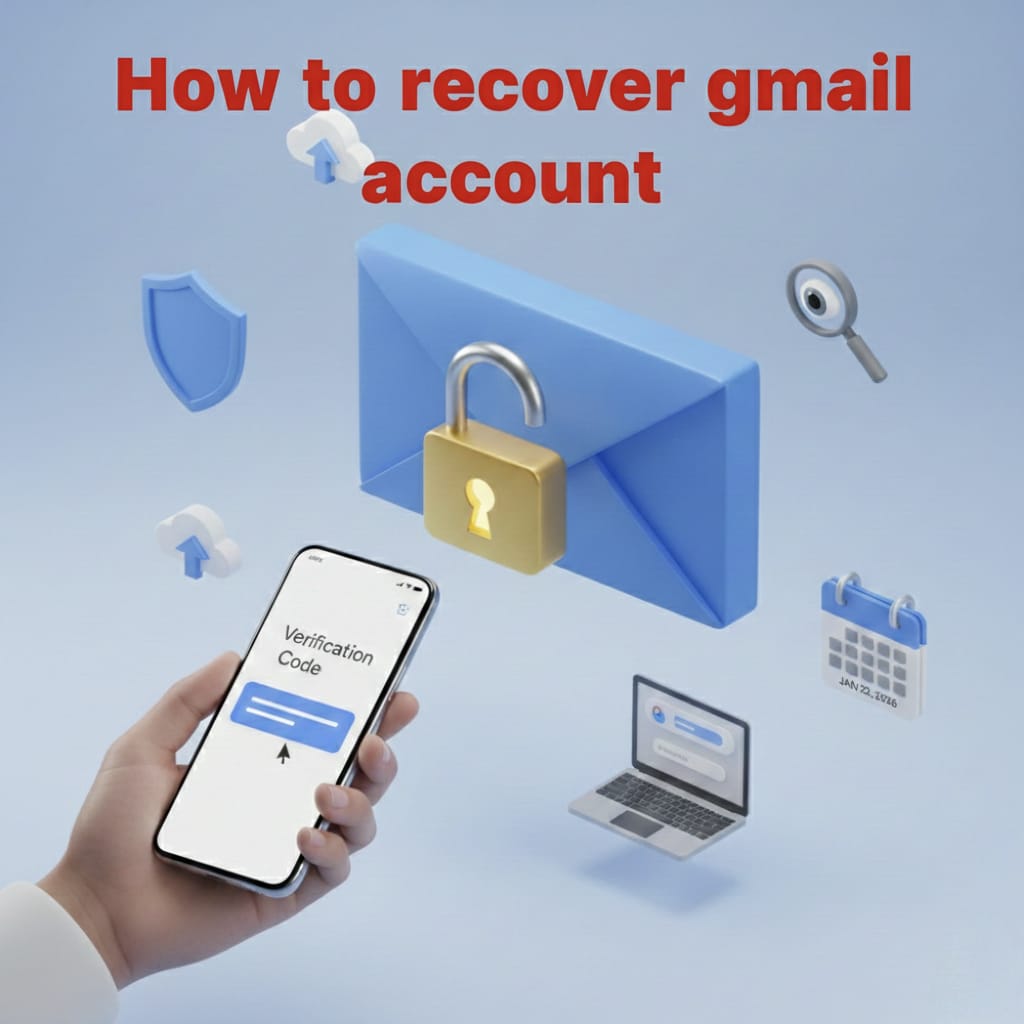
Getting locked out of your Gmail can feel like a nightmare, especially when it’s connected to your work, photos, and social media. The good news? Google provides a clear path to get back in.
Here is a simple, stress-free guide to recovering your Gmail account.
Step 1: Visit the Recovery Page
Don’t waste time searching through settings. Go straight to the official source.
- Open a browser and go to the Google Account Recovery page.
- Type in your email address and hit Next.
Step 2: Try Your Last Known Password
If you changed your password recently and forgot the new one, try entering the last password you remember.
- Why? Google uses this to verify that you are the person who actually used the account in the past.
- If you don’t know it at all, click “Try another way.”
Step 3: Check Your Other Devices
Check your phone or tablet. If you are still logged into Gmail on another device, Google might send a notification that says, “Is it you trying to sign in?”
- Just tap “Yes, it’s me” on that device, and you’ll be allowed to reset your password instantly.
Step 4: Use Your Recovery Phone or Email
If you set up a recovery phone number or a secondary email (like a Yahoo or Outlook address) in the past:
- Select the option to receive a Verification Code.
- Check your text messages or that other email inbox.
- Enter the 6-digit code into the Google recovery screen.
3 Tips to Make Recovery Successful
Google’s automated system is very picky. To increase your chances, follow these “Golden Rules”:
- Be in a “Familiar” Place: Try to do the recovery from your home or office. Google recognizes your IP address (your internet location).
- Use your “Regular” Device: Use the laptop or phone you use every day. Google remembers the specific hardware you usually sign in with.
- Don’t Give Up: If you fail once, try again. Sometimes answering a different security question or trying from a different browser helps.
Once You’re Back In… (Do This Now!)
To make sure this never happens again, take 60 seconds to do this:
- Update your Recovery Phone: Make sure it’s your current number.
- Add a Recovery Email: Use a spouse’s or a parent’s email if you don’t have a second one.
- Turn on 2-Step Verification: This adds an extra layer of security so hackers can’t get in, even if they know your password.