
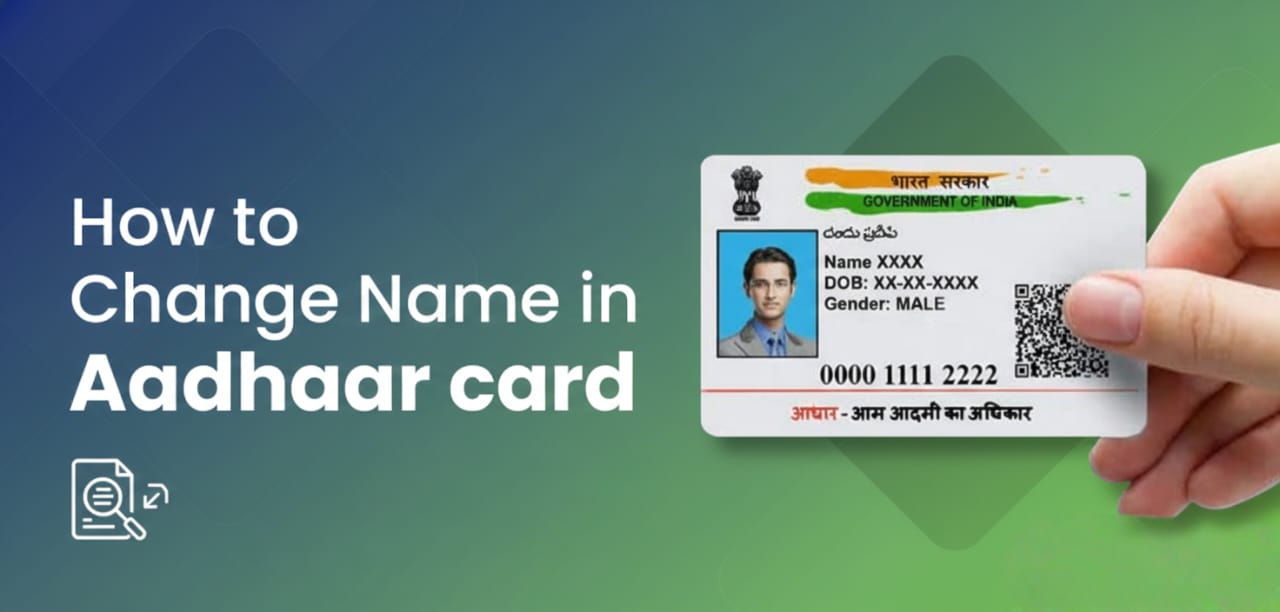
In today’s digital age, your Aadhaar card is more than just a piece of plastic—it’s the backbone of your financial and personal identity. Whether you’ve recently moved, changed your name after marriage, or switched your phone number, keeping your Aadhaar updated is crucial.
Here is a comprehensive guide on how to update your Name, Address, and Mobile Number in your Aadhaar records.
1. How to Change Your Address (Online)
The address is the most flexible field and can be updated from the comfort of your home using the self-service portal.
- Step 1: Visit the official UIDAI MyAadhaar portal.
- Step 2: Log in using your Aadhaar Number and the OTP sent to your registered mobile number.
- Step 3: Select the ‘Address Update’ option and click on ‘Update Address Online’.
- Step 4: Enter your new address details carefully.
- Step 5: Upload a scanned copy of a valid Proof of Address (e.g., Water/Electricity bill, Rent Agreement, Voter ID, or Bank Statement).
- Step 6: Pay the non-refundable fee of ₹50. You will receive a Service Request Number (SRN) to track the status.
2. How to Change Your Name (Online/Offline)
You can initiate a name correction online, but keep in mind that UIDAI has strict limits: you can generally only change your name twice in a lifetime.
- Procedure: Similar to the address update, log in to the portal and select ‘Name/Gender/Date of Birth Update’.
- Documents: You will need a legal document such as a Passport, PAN Card, or Gazette Notification reflecting the new name.
- Verification: Once submitted, UIDAI verifiers will check the document against your request. If there’s a major discrepancy, you may be asked to visit an Aadhaar Seva Kendra.
3. How to Update Your Mobile Number (Offline Only)
Important: For security reasons, you cannot update your mobile number online. This requires biometric authentication (fingerprint or iris scan) to prevent identity theft.
- Step 1: Locate your nearest Aadhaar Enrolment Centre/Seva Kendra.
- Step 2: Fill out the Aadhaar Correction Form (available at the center).
- Step 3: Submit the form to the operator. You do not need to provide any documentary proof for a mobile number update.
- Step 4: Provide your biometrics for authentication.
- Step 5: Pay the fee (usually ₹50 to ₹100).
- Step 6: Collect the acknowledgment slip. Your number will typically be updated within 7 to 10 working days.
Quick Reference Summary
| Field to Update | Mode | Document Required |
| Address | Online & Offline | Proof of Address |
| Name | Online & Offline | Proof of Identity |
| Mobile Number | Offline Only | None |
| Photo/Biometrics | Offline Only | None |
Key Tips for a Smooth Process
- Linked Mobile Number: To make any changes online, your current mobile number must be linked to your Aadhaar to receive the OTP.
- E-Aadhaar: Once your request is processed, you don’t have to wait for the physical card to arrive by post. You can download a digital e-Aadhaar from the website, which is legally valid everywhere.
- Verification: Ensure the scanned documents are clear and in color; blurry uploads are the #1 reason for application rejection.