
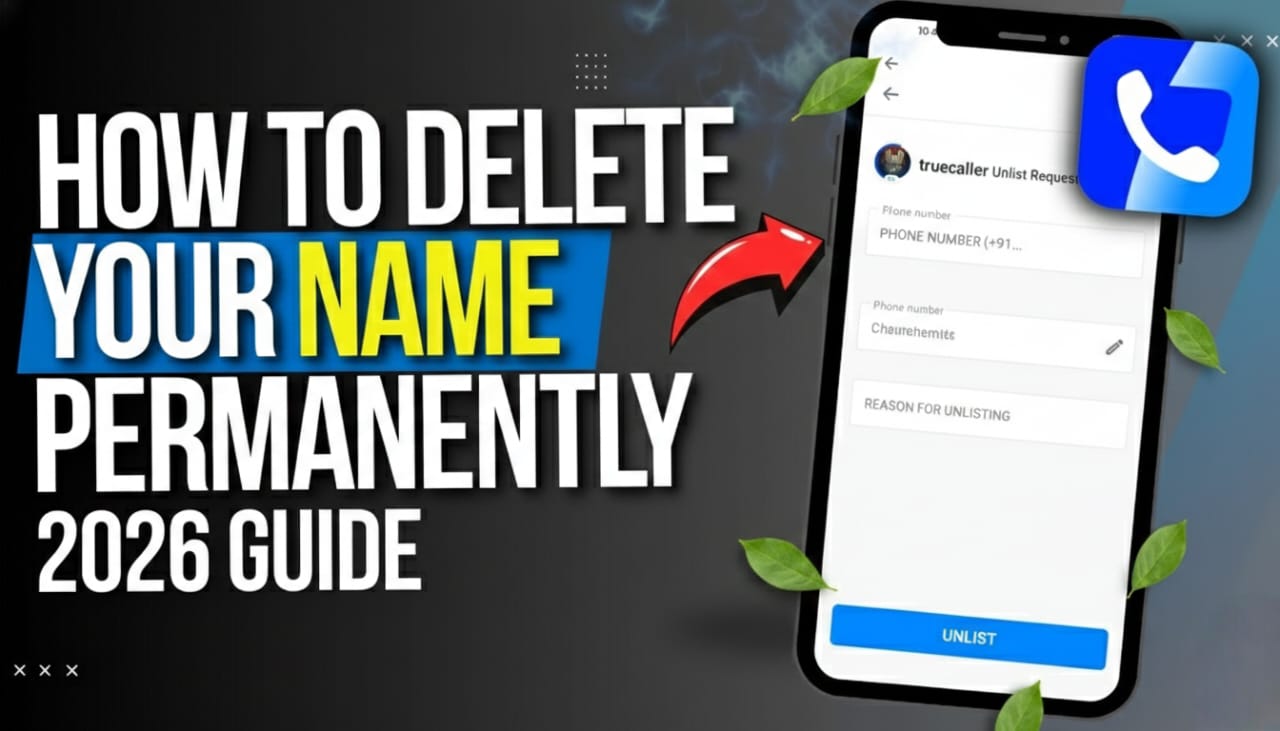
Ever feel like your phone number has become a public billboard? We’ve all been there—you call a stranger, and they greet you by name before you’ve even introduced yourself. While Truecaller is a lifesaver for blocking spam, it can feel like a bit of a privacy nightmare if you prefer to stay off the radar.
If you’re ready to vanish from their database, simply uninstalling the app won’t cut it. Your name and number stay on their servers until you manually pull the plug. Here is the definitive, step-by-step guide to deleting your Truecaller name and unlisting your number for good.
Phase 1: Deactivate Your Account (The In-App Step)
Before you can ask Truecaller to remove your data, you have to “shut down” your active account. If you just delete the app, the account remains active in their system.
For Android Users:
- Open the Truecaller app.
- Tap your profile icon (top left).
- Go to Settings > Privacy Center.
- Tap Deactivate and confirm your choice.
For iPhone Users:
- Open the Truecaller app.
- Tap your profile avatar (top left).
- Go to Settings > Privacy Center.
- Scroll down and tap Deactivate.
Phase 2: Unlist Your Number (The “Vanishing” Step)
Deactivating the account stops you from using the service, but your name might still pop up for others. To fix that, you need to use Truecaller’s official unlisting tool.
- Go to the official Truecaller Unlisting Page.
- Enter your phone number including the country code (e.g., +1 for USA, +91 for India).
- Select a reason for unlisting (or just pick “Other”).
- Solve the CAPTCHA and click Unlist.
Pro Tip: Truecaller usually takes up to 24 hours to process the request. If your name still shows up after a day, it’s likely because the other person’s phone has cached the old data. They’d need to clear their app cache to see the update.
Why Is My Name Still Showing Up?
There is a small “catch” to be aware of: Truecaller’s database is partially built on crowd-sourced data. If several people have saved your number as “John Doe” in their own contact lists, Truecaller’s algorithms might eventually re-index you.
To prevent this from happening “forever”:
- Check other platforms: Sometimes data is pulled from social media. Ensure your name isn’t publicly linked to your number on Facebook or LinkedIn.
- Request “Right to be Forgotten”: If you are in the EU or UK (under GDPR), you can email their support team to request a permanent deletion of all personal records.
The Verdict: Total Privacy or Total Convenience?
Removing yourself from Truecaller is a major win for privacy, but keep in mind you’ll lose the “spam protection” and “caller ID” features the app provides. It’s a bit of a trade-off, but for many, the peace of mind of being “unsearchable” is well worth it.