

Creating a Gmail account is a straightforward process that unlocks a world of Google services, from email and cloud storage to document editing and video calls. If you’re ready to set up your new digital identity, here’s a simple, step-by-step guide:
Step 1: Go to the Gmail Sign-up Page
Open your web browser (Chrome, Firefox, Safari, Edge, etc.) and navigate to the official Gmail creation page. You can do this by typing gmail.com into your address bar or searching for “create Gmail account” on Google.
Step 2: Start the Account Creation Process
You’ll see a page that looks like this:
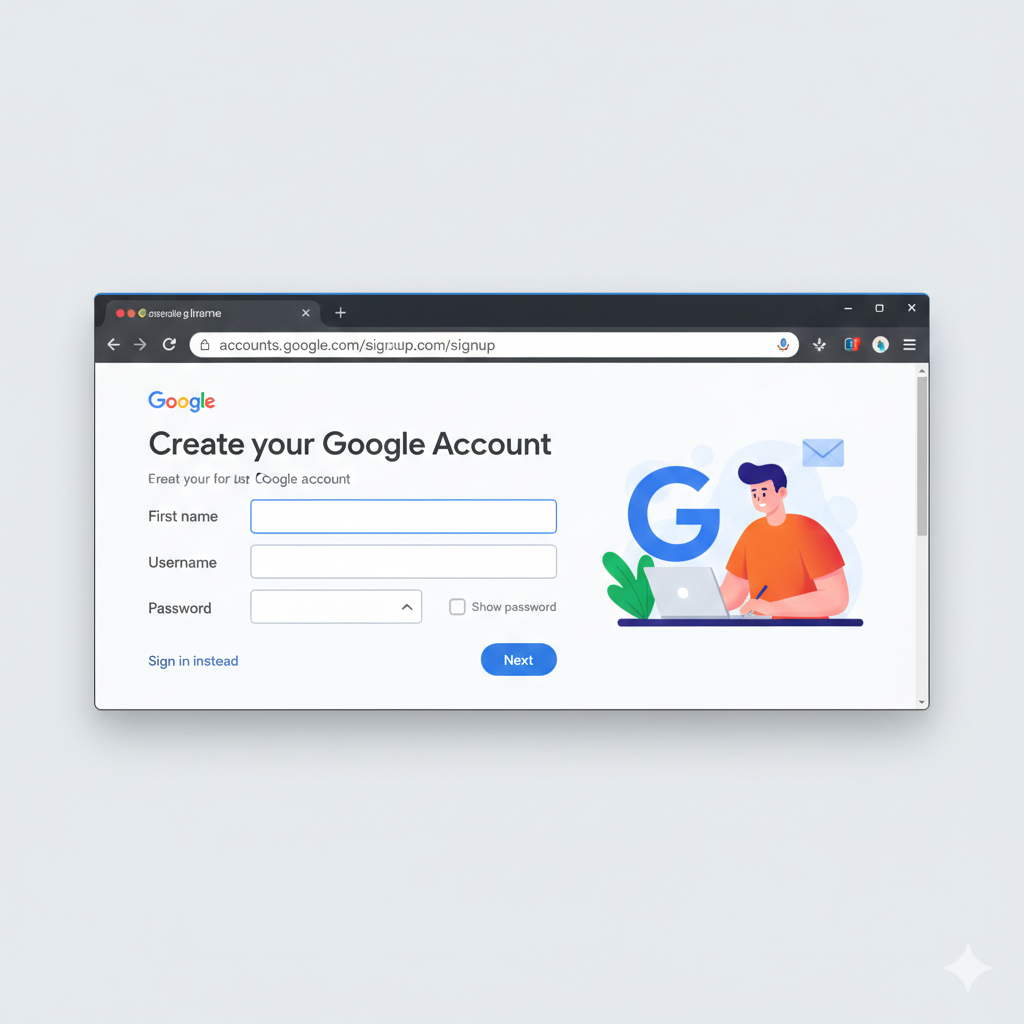
Click on the “Create account” button, and then select “For my personal use”.
Step 3: Enter Your Personal Information
You’ll be prompted to fill out a form with your basic details:
- First Name: Your given name.
- Last Name: Your family name (optional).
- Username: This will be your Gmail address (e.g.,
yourname@gmail.com). Choose something unique and easy to remember. Gmail will suggest available usernames if your preferred one is taken. - Password: Create a strong password that uses a mix of letters (upper and lower case), numbers, and symbols. Confirm your password by typing it again.
After filling these in, click “Next”.
Step 4: Verify Your Account (Optional but Recommended)
Google may ask for:
- Phone Number: This is used for verification and account recovery. It’s highly recommended to provide one. Google will send a verification code to this number.
- Recovery Email Address: An existing email address you own, used to regain access if you get locked out.
- Birthday: For age verification.
- Gender: For demographic purposes (optional).
Enter the required information and click “Next”. If you provided a phone number, enter the verification code sent to your device.
Step 5: Review Google’s Privacy and Terms
Read through Google’s Privacy Policy and Terms of Service. It’s important to understand how your data will be used. Once you’re comfortable, scroll to the bottom and click “I agree”.
Step 6: Welcome to Your New Gmail Account!
Congratulations! Your Gmail account is now set up. You’ll be redirected to your new inbox, ready to send and receive emails, and explore all the other Google services available to you.
Tips for Your New Account:
- Set up Two-Factor Authentication (2FA): This adds an extra layer of security to your account. Go to your Google Account settings (
myaccount.google.com) and enable 2FA under “Security.” - Customize Your Inbox: Explore Gmail’s settings to change themes, organize your inbox with labels, and set up filters.
- Explore Google Workspace: Your Gmail account is your key to Google Drive, Docs, Sheets, Calendar, Meet, and more!
Enjoy your new Gmail experience!