
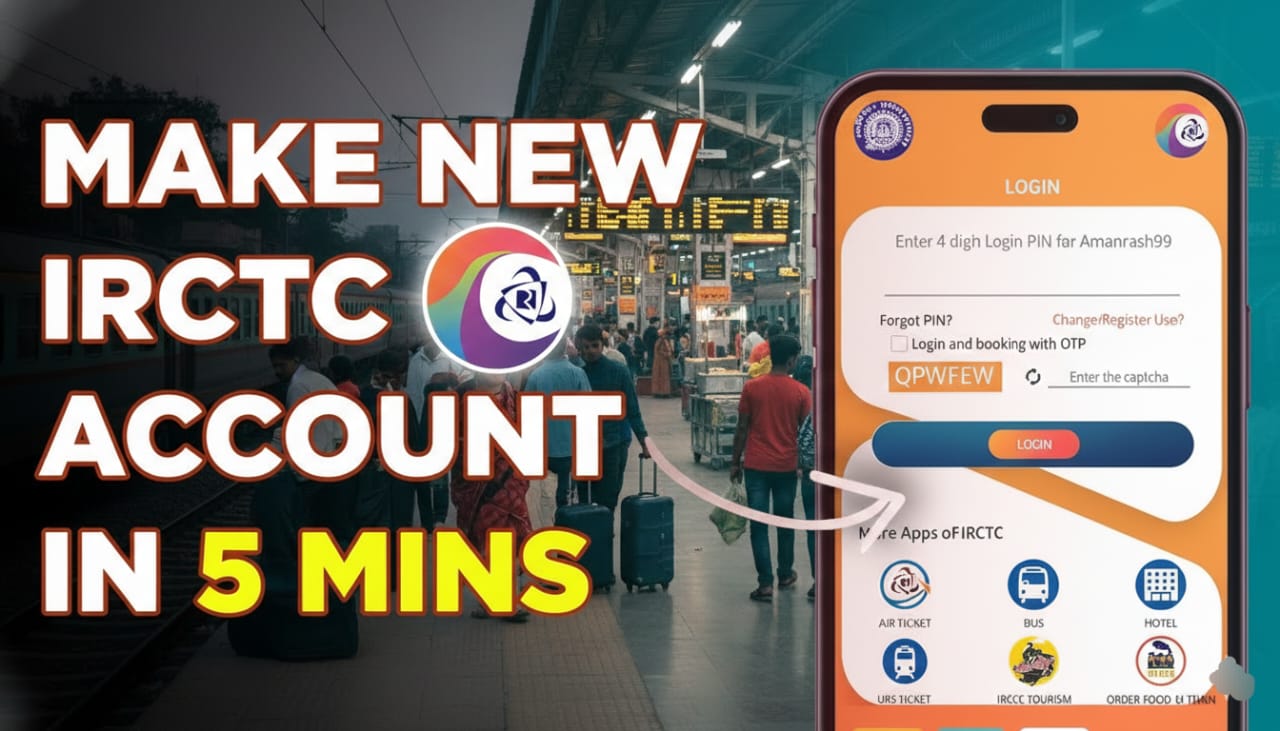
Creating an IRCTC account is your gateway to the massive Indian Railways network. Whether you’re planning a scenic trip to the Himalayas or a quick business dash to Mumbai, having your own ID is essential for seamless ticket booking.
In this guide, we’ll walk through the updated 2026 process for creating your IRCTC ID on both the web and the mobile app.
Pre-requisites: What You Need
Before you start, make sure you have the following ready to avoid session timeouts:
- Valid Email Address: One that hasn’t been used for an IRCTC account before.
- Mobile Number: Must be active for OTP verification.
- Aadhaar Card: Highly recommended for “Verified User” status (required for Tatkal bookings and higher monthly ticket limits).
Step-by-Step Guide to Create IRCTC ID
Step 1: Visit the Official Portal
Go to the official IRCTC Next Generation eTicketing website or download the IRCTC Rail Connect app from the Play Store or App Store.
Step 2: Access the Registration Form
On the website, click on the ‘REGISTER’ button at the top right. On the mobile app, tap ‘Login’ and then select ‘Register User’.
Step 3: Fill in Basic Details
You will need to complete three main sections:
- Basic Details: Choose a unique Username (3-35 characters), a strong Password, and your preferred Language. Select a Security Question and answer it—this is vital if you ever forget your password.
- Personal Details: Enter your full name (exactly as it appears on your Aadhaar), Occupation, Date of Birth, Marital Status, and Gender.
- Address Details: Provide your complete residential address, including Pincode, State, and City.
Step 4: Verification (The Most Important Part)
Once you submit the form, IRCTC will send two different OTPs:
- Mobile OTP: Sent via SMS to your registered number.
- Email OTP: Sent to your registered email address.
You must log in with your new credentials and enter both OTPs to activate your account.
Pro-Tips for a Smooth Experience
- Aadhaar Linking: After logging in, go to
My Account > Link Your Aadhaar. Verified users can book up to 24 tickets a month, compared to just 12 for unverified users. - Avoid Special Characters: When creating a password, stick to alphanumeric characters unless specified.
- Browser Choice: Use Google Chrome or Mozilla Firefox for the smoothest experience on a desktop.
Why You Need Your Own ID
While you can book through third-party apps, having a direct IRCTC ID offers:
- Lower Fees: Avoid extra service charges from middlemen.
- Tatkal Access: Direct access to the high-speed Tatkal booking window.
- Refund Management: Easier tracking of cancellations and direct refunds to your bank.