
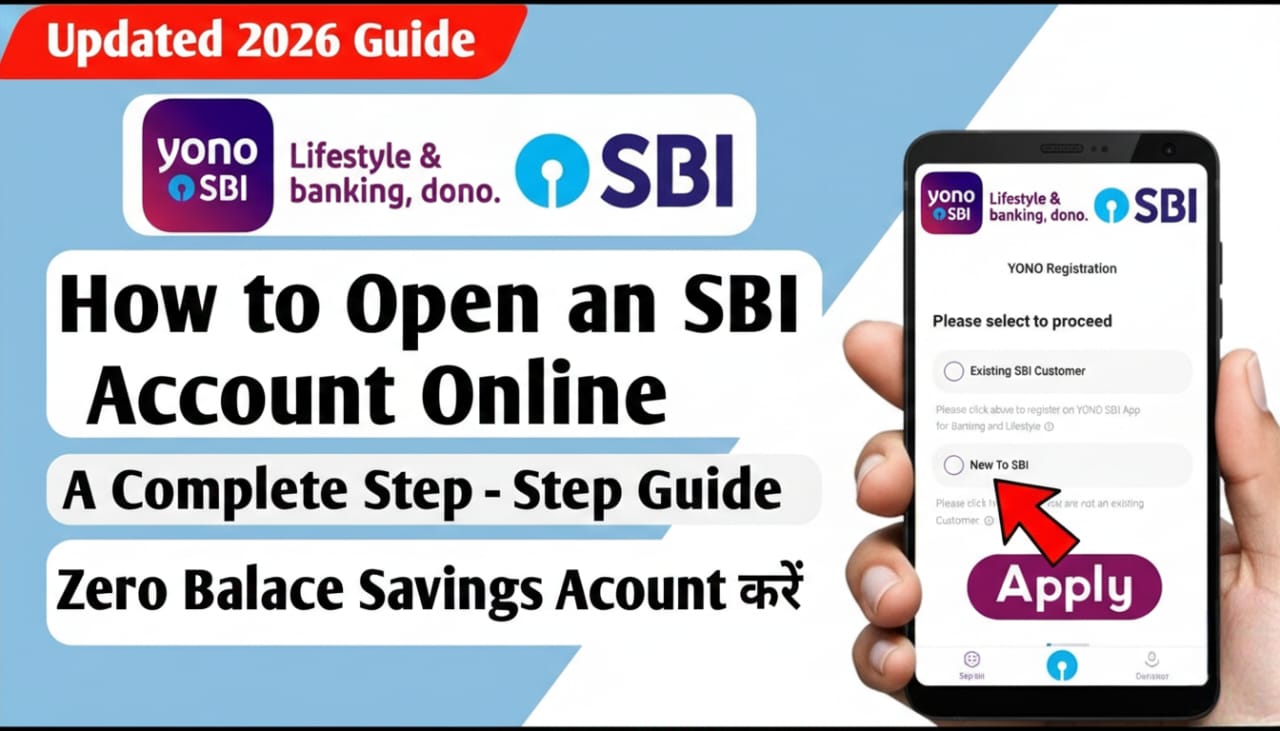
Opening a bank account used to mean spending a whole afternoon in a waiting area with a stack of paperwork. In 2026, you can skip the queue entirely. The SBI Insta Plus Savings Account allows you to open a fully functional account from your couch using Video KYC.
Here is your step-by-step guide to setting up your SBI account online.
Pre-requisites: What You’ll Need
Before you start, make sure you have the following ready to ensure the process isn’t interrupted:
- Original PAN Card (Physical copy is mandatory for Video KYC).
- Aadhaar Number (Must be linked to your current mobile number for OTP verification).
- A Blank White Sheet & Black Pen (For your live signature during the video call).
- Good Lighting & Internet: You’ll need a quiet, well-lit room for the video interview.
Step-by-Step Guide to Opening Your Account
1. Download the YONO SBI App
The easiest way to open an account is through the YONO SBI app (available on Google Play Store and Apple App Store).
- Open the app and select “New to SBI”.
- Choose “Open Savings Account”.
2. Select “Without Branch Visit”
You will see two options: “Without Branch Visit” and “With Branch Visit.”
- Select “Without Branch Visit” to opt for the Insta Plus Savings Account.
- This account has no limit on your maximum balance and offers all regular banking features.
3. Enter Your Details
- Submit your Mobile Number and Email ID.
- Enter the OTP (One-Time Password) sent to your phone.
- Provide your PAN Card details and Aadhaar Number.
- Verify the Aadhaar OTP to pull your official address and personal data automatically.
4. Personal & Nominee Information
Fill in the additional fields:
- Educational Qualifications & Occupation: Professional details required by the bank.
- Annual Income: A standard requirement for tax and banking regulations.
- Nominee Details: Enter the name and relationship of the person you want as your nominee (highly recommended).
5. Schedule the Video KYC
This is the final “human” step.
- Select a convenient time slot for the video call.
- During the call, an SBI official will ask to see your Original PAN Card and ask you to sign the white paper on camera.
- They will also take a quick photo of you through the app.
6. Account Activation
Once the video verification is successful, your application will be processed. You will receive an SMS with your Account Number and Customer ID usually within 24 to 48 hours.
Why Choose the Online Process?
- Paperless: No need to photocopies or physical forms.
- Full KYC: Unlike “Limited” digital accounts, the Video KYC account has no transaction limits.
- Doorstep Delivery: Your Debit Card and Welcome Kit will be mailed to your Aadhaar address within 7-10 working days.
Pro Tip: Make sure you are physically located within India when performing the Video KYC, as the app uses geo-tagging to verify your location.